Skip to content
Link.
AboutFeaturesFAQsDownload
Open Link

Messages, calls,
and communities.

Talk one-to-one, start a group chat, or build a community. Link brings them together, with encrypted direct messages and no email or password required to get started.

Open Link Windows macOS

START WITH LINK

Open the web appGet started without a download. Use another deviceApprove sign-in from a device you already use. Find your platformCheck browser access and available downloads.
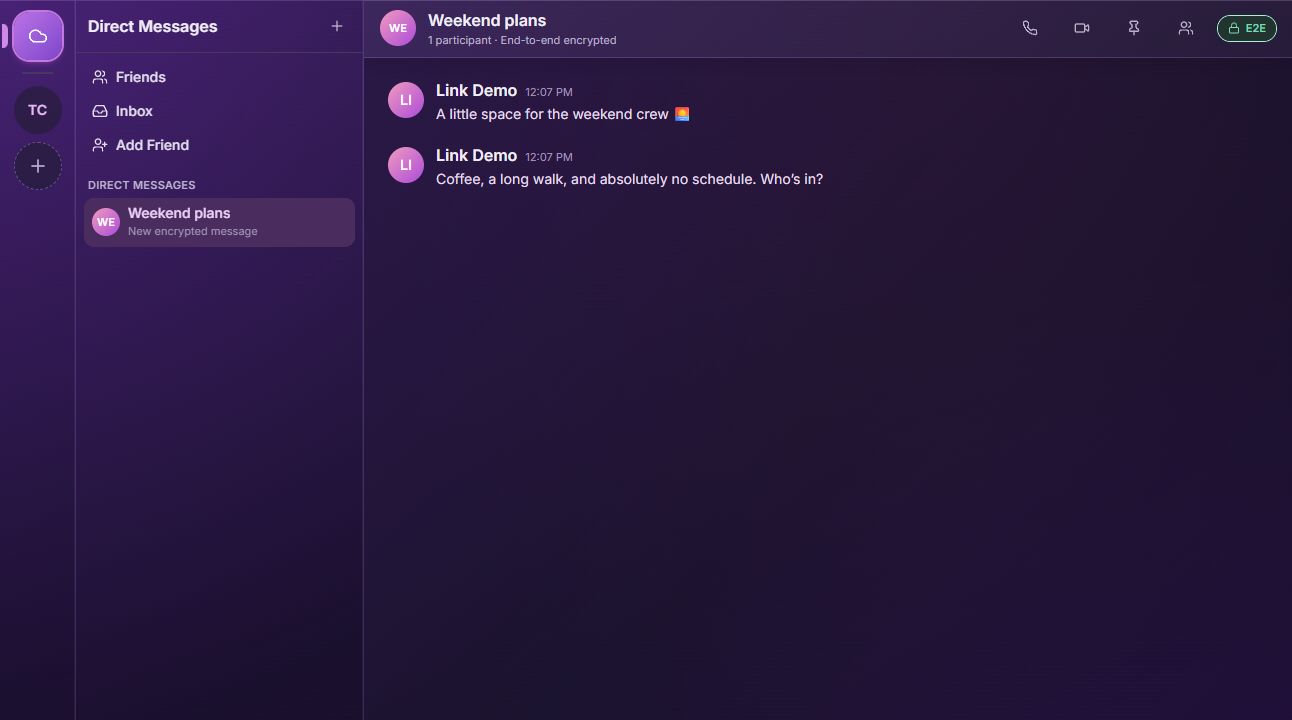
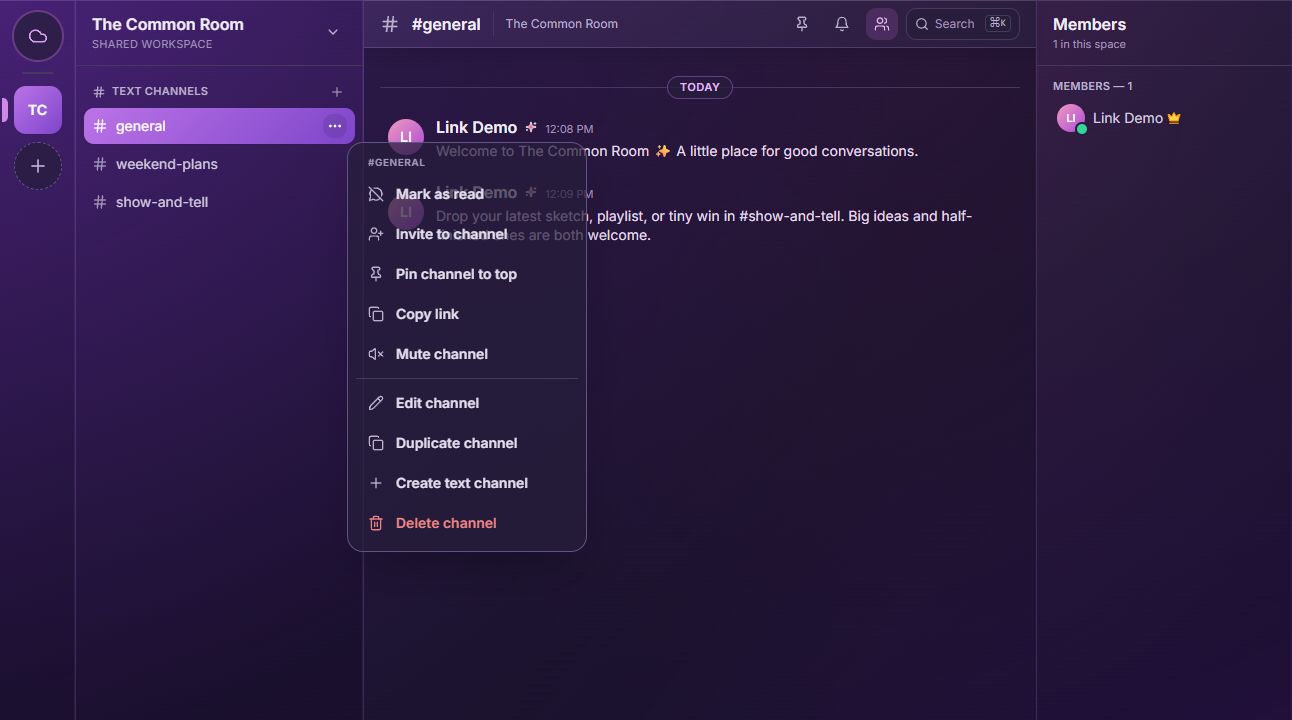
Link’s Common Room demo server, with channels, sample messages, and a member list.An encrypted Weekend plans group chat with the Link Demo account and sample messages.Link’s channel menu with options to invite people, pin, mute, edit, and organize channels.
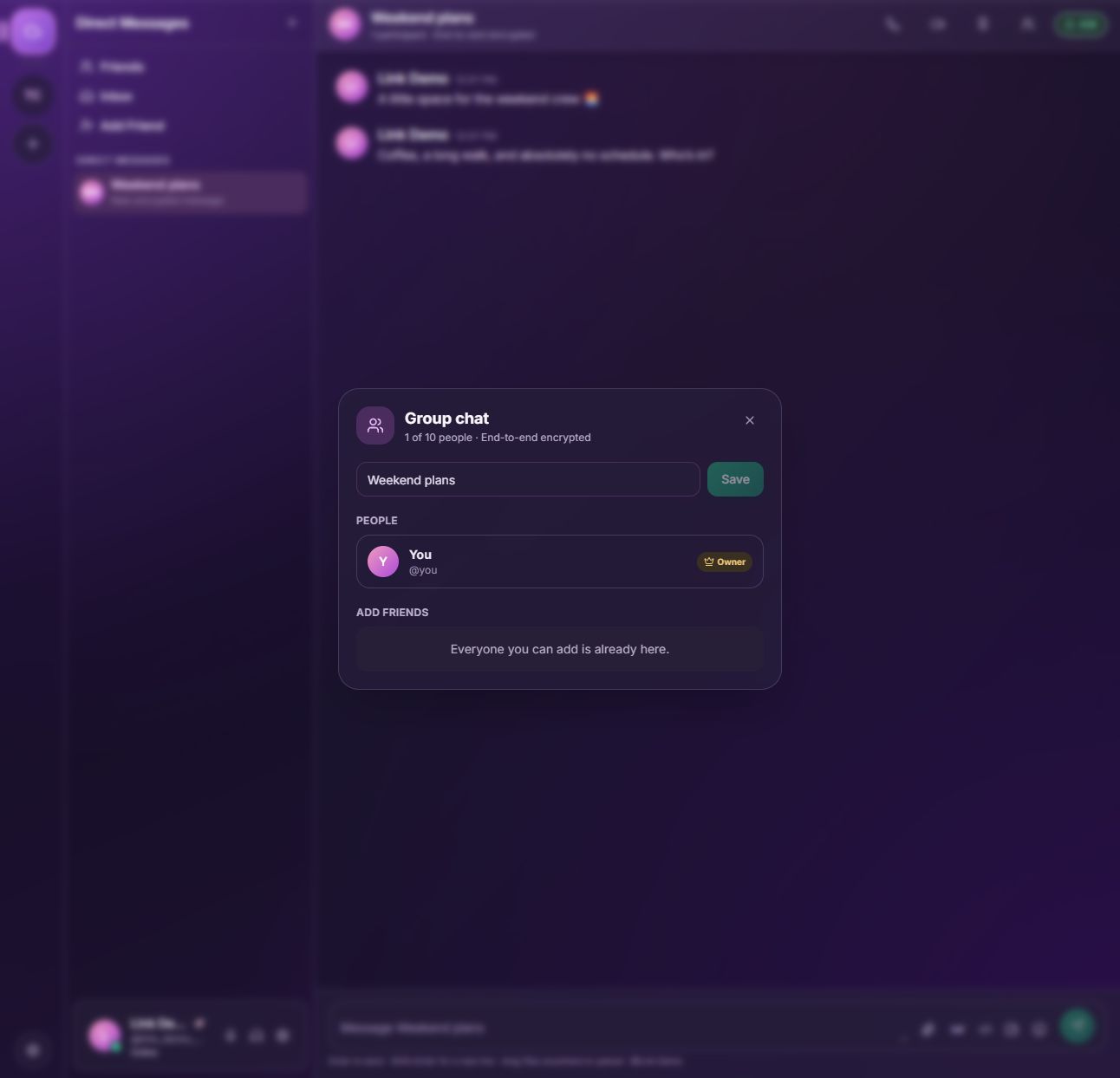
Group chat settings for renaming the chat and managing members, shown with a demo account.
Link web app · Demo account and sample messages

A group chat. Or a whole community.

Keep a few friends in one conversation, or create a server with channels for different topics. Use roles and moderation tools to manage your community as it grows.

Start with the people you know. Invite others when you’re ready.

Open Link
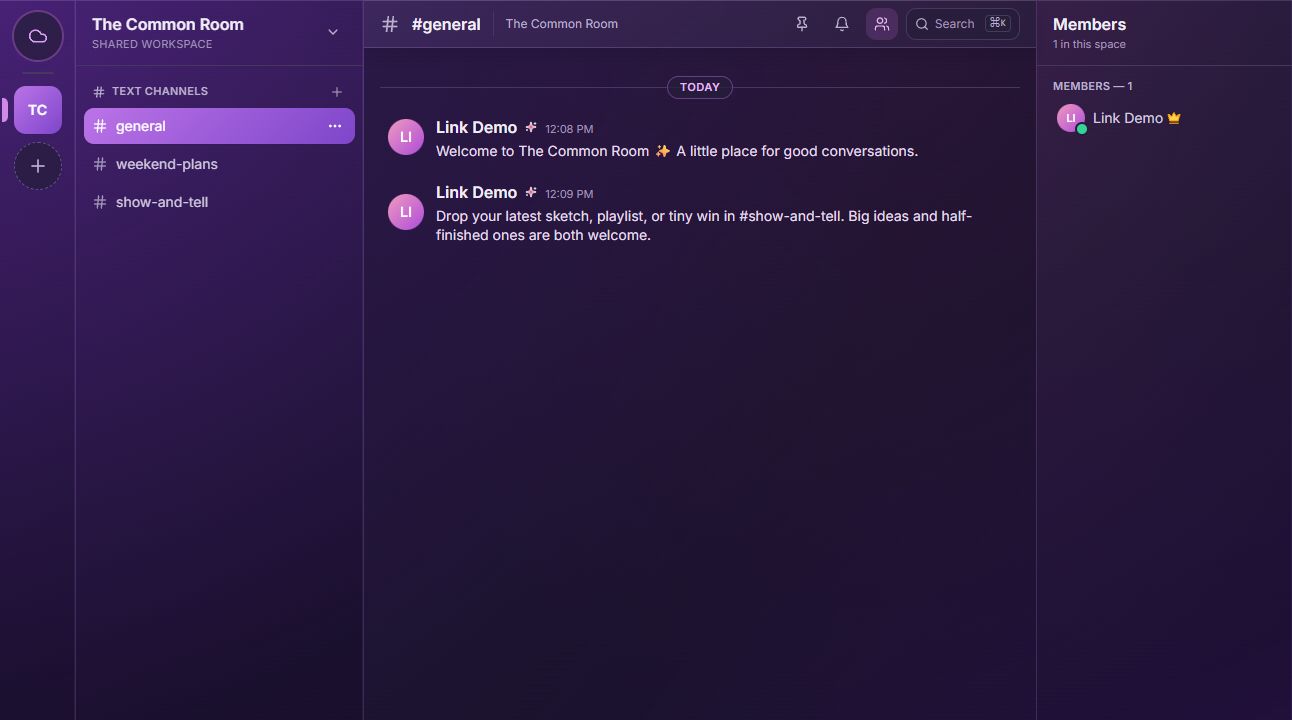
Link’s Common Room demo community, showing channels, messages, and members
Link web app · Demo community

End-to-end encrypted chats.

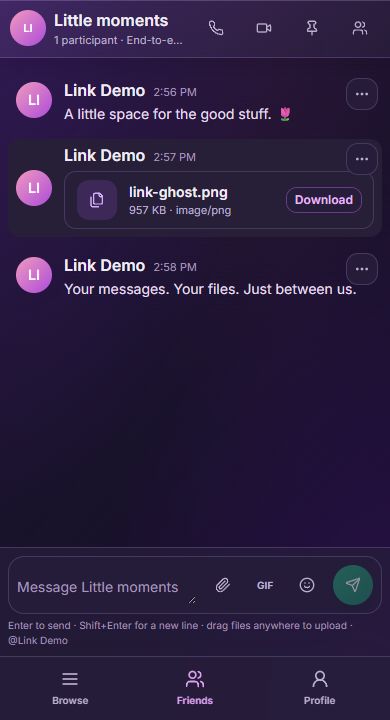
Direct messages, group chats, and their attachments are end-to-end encrypted. Your device encrypts the content before it’s sent, so Link’s server can’t read it.

Community channels work differently: their messages can be processed by the server for delivery and moderation.

How privacy works
Link in a mobile browser, with sample encrypted messages and a shared file
Mobile web app · Demo conversation

Switch from chat to a call.

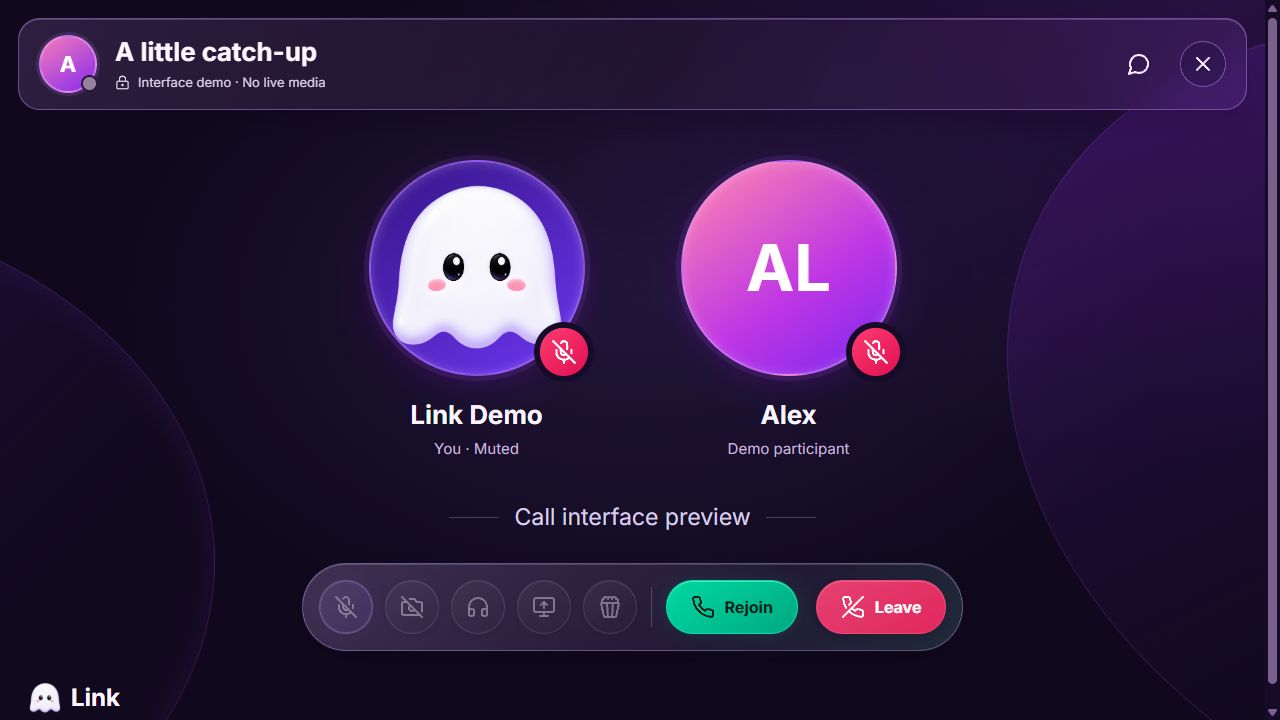
Use voice, video, or screen sharing when a message isn’t enough. Catch up, explain an idea, or work through something together.

Calls use end-to-end media encryption. Device and browser support varies, and calls are still being tested across platforms during early access.

About calls and screen sharing
Link’s call interface with participant avatars, mute indicators, and controls, shown in a demo state
Call interface · Demo, not a live call

What to expect from Link

Sign-in without a password

Your account is saved on your device. Come back to your saved account, or approve a new device from one where you’re already signed in. Passkeys are optional.

How sign-in works

Privacy, explained clearly

Private chats are encrypted. Community channels can be moderated. Know what’s protected and what information the service still needs to operate.

Read the privacy FAQs

Start in your browser

Try Link without installing an app. It’s in early access, with desktop releases being tested and platform availability listed on the download page.

Check platform availability

Getting started

NEW TO LINK?

Create your account

Choose a username. Link saves your account on this device. You can add another device and save an emergency backup in Settings.

Open Link

Start a group or server

Keep a conversation together, or organize it into channels.

Add another device

Scan a QR code with a signed-in device and approve access.

Frequently asked questions

Start with
a conversation.

Open Link in your browser. Create an account or sign in.

Open Link View platforms
Link.

Messages, calls, and communities.
All in one place.

Open the web app

Link

  • About Link
  • Features
  • Download

Help

  • FAQs & privacy
  • Sign in on a new device
  • Account recovery

Legal & transparency

  • Privacy policy
  • Terms of service
  • Transparency
© 2026 LinkLink is in early access.Back to top ↑